YTV Player
Entertainment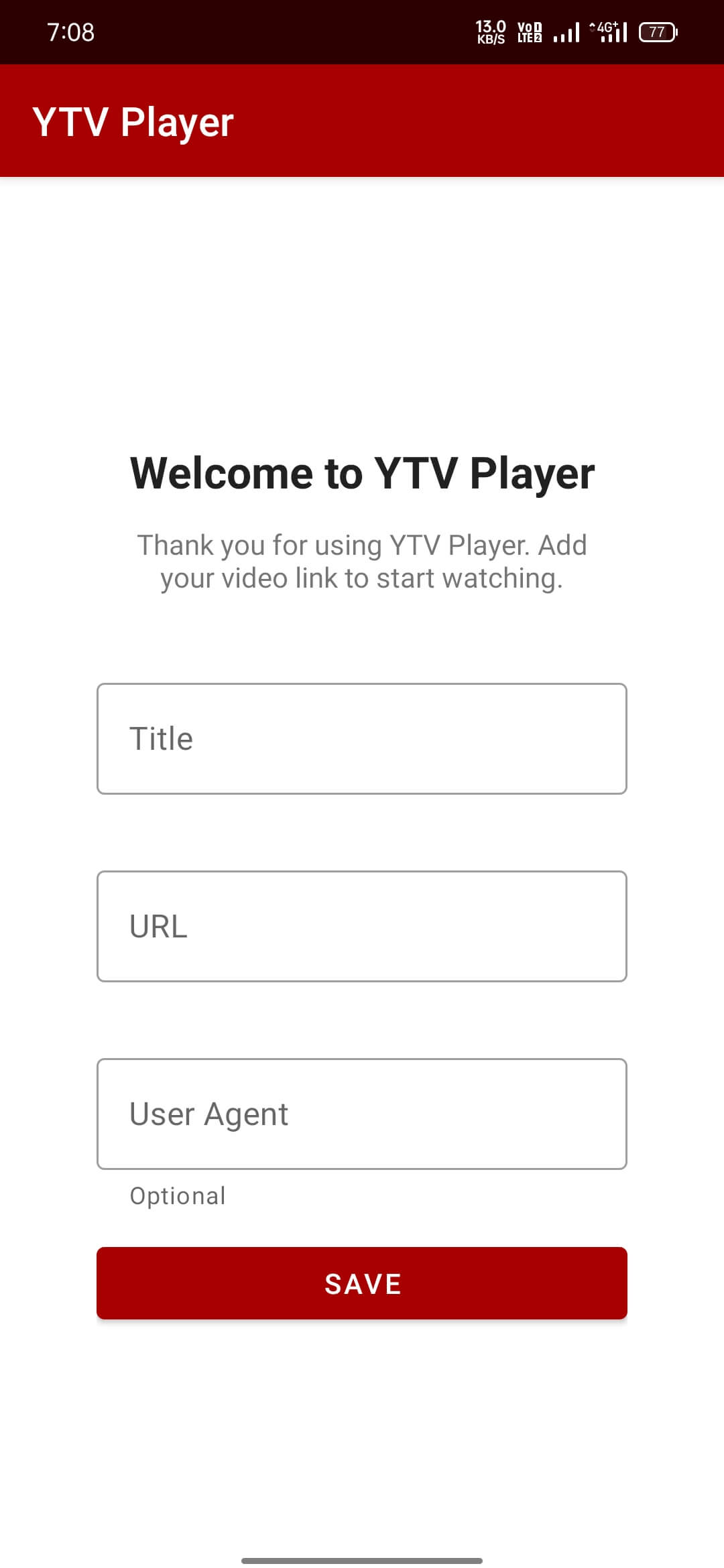
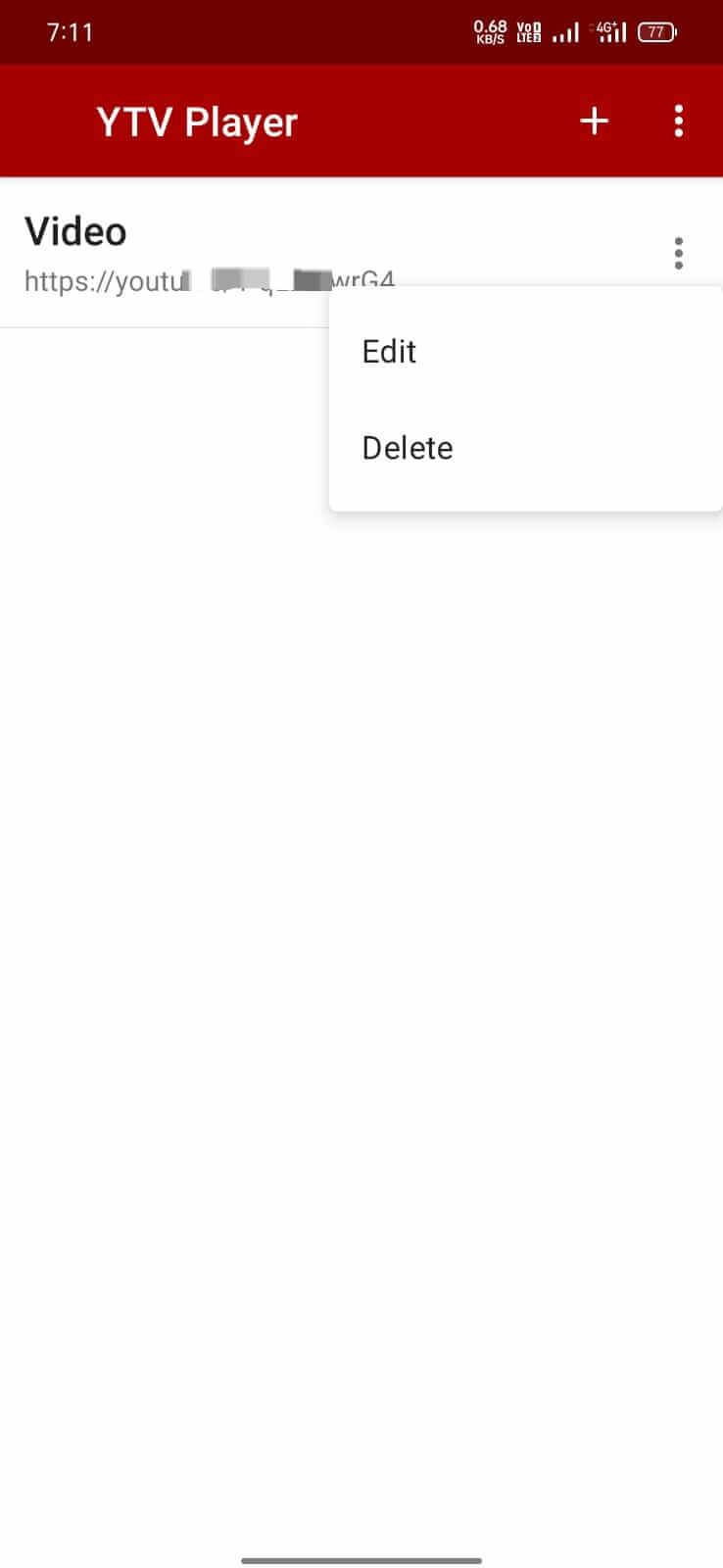
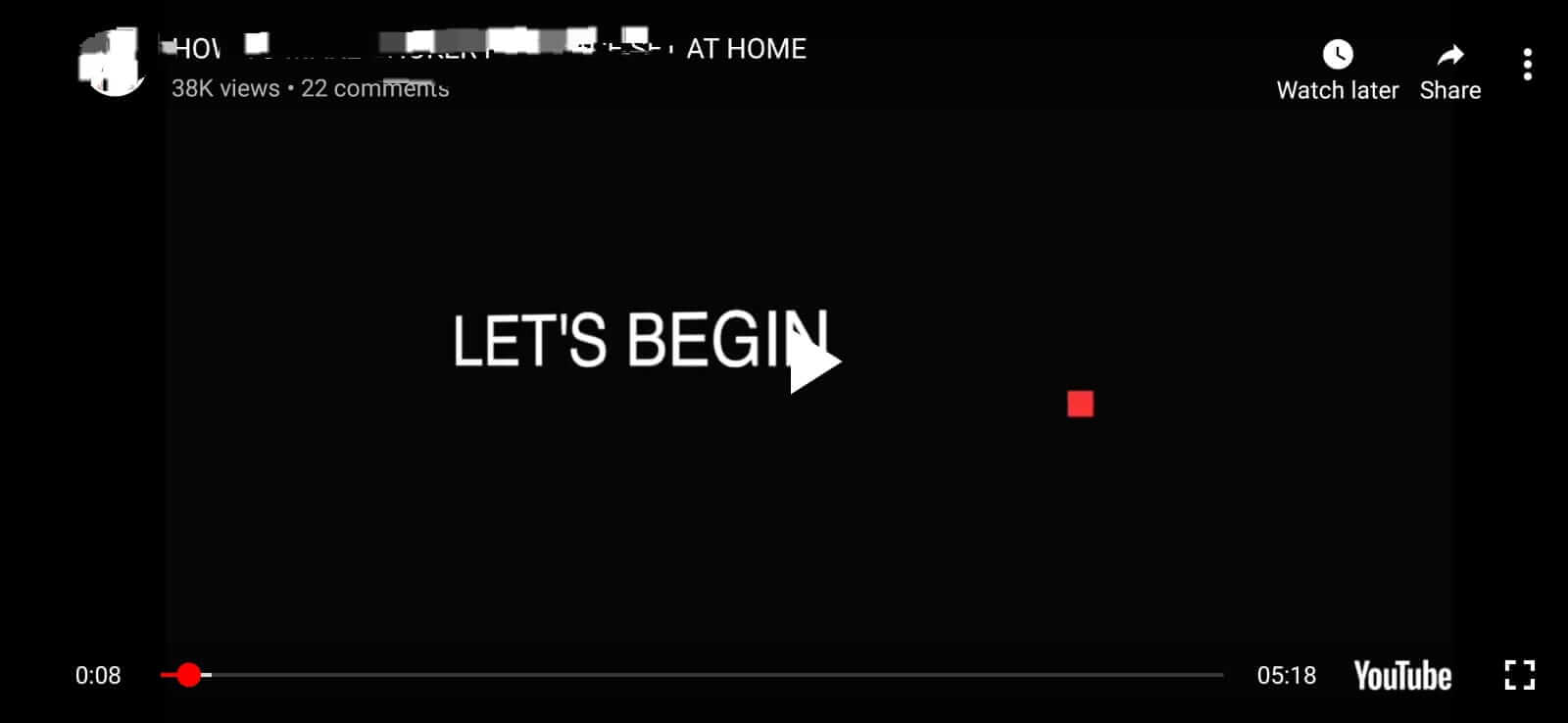
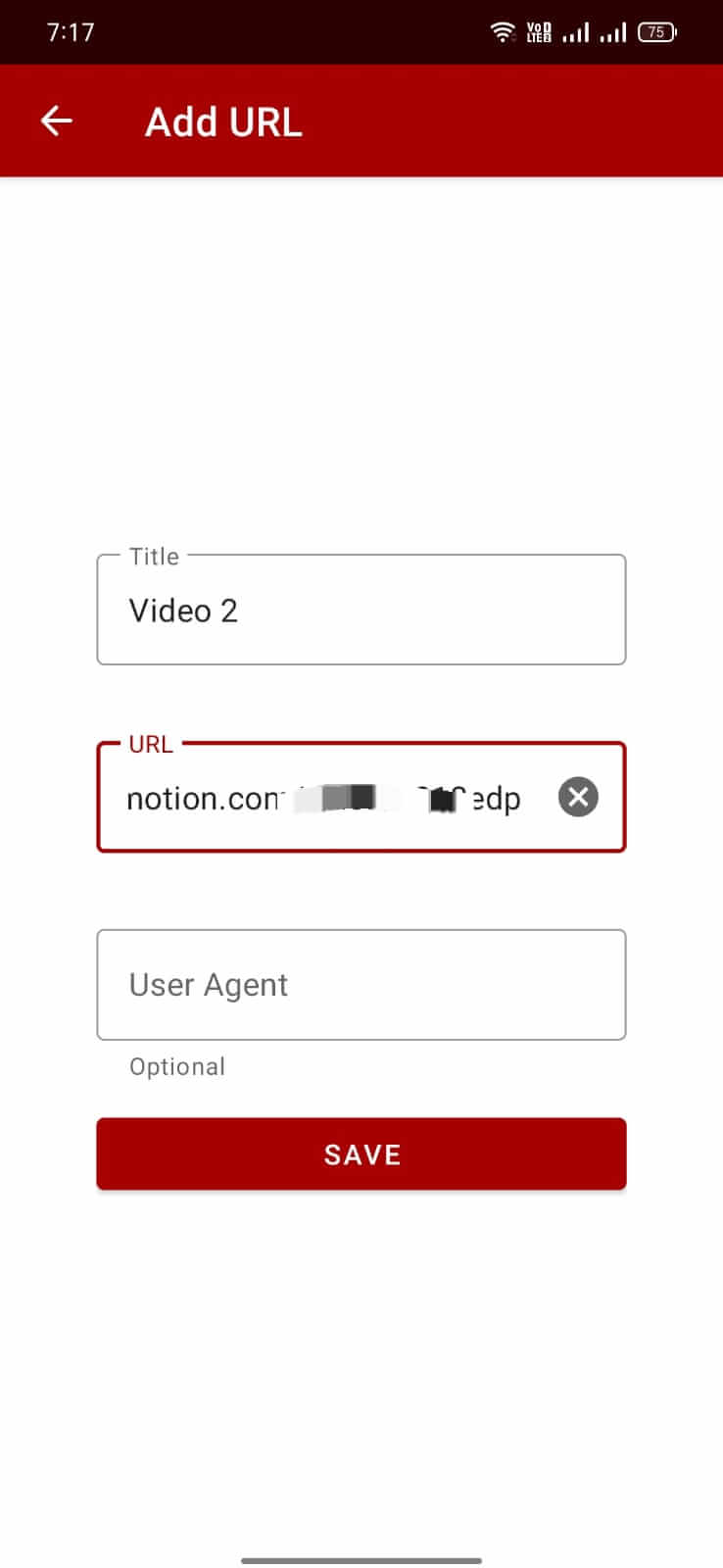

YTV Player is a lightweight Android app that lets you stream videos by simply pasting a video URL. It removes the need to open a web browser or register on multiple sites, saving both time and effort.
This page provides the latest APK details, installation guide, and practical advice for using YTV Player safely on your device.
Quick Information
| App/Game Name | YTV Player |
| Latest Version | 14.0 |
| Developer | Not listed |
| Category | Apps / Entertainment |
| App Size | 13.93 MB |
| Package Name | com.ytv.player |
| Last Updated | 19 January 2026 |
What Is YTV Player?
YTV Player functions as a dedicated video streaming client. Instead of navigating through web pages, you copy the video link and the app handles playback. The core features include:
- URL‑based video loading – paste any supported video link and start watching instantly.
- Minimalistic interface – a clean layout focused on playback without ads or unnecessary menus.
- Free usage – the app does not require a subscription or in‑app purchases.
The app is aimed at users who want a quick way to watch online videos without the clutter of browsers. It does not include a built‑in video library, so it relies entirely on external URLs.
Compatibility
| Android Version | ✓ Verified — Android 4.2 and later |
| Architecture (ARM64 / 32-bit) | Not Verified |
| Internet Connection | ✓ Verified — May be required for ads, updates, or login |
| Storage Needed | Not Verified |
| OBB/Data Files | Not Verified |
| Root Required | Not Verified |
How to Install
- Enable installation from unknown sources: Settings → Security → “Install unknown apps” (or similar for your device).
- Download the YTV Player APK file to your device.
- Open the downloaded file and tap “Install”.
- After installation, launch YTV Player from the app drawer.
- Paste a video URL into the input field and press Play.
Troubleshooting
- App not installed error: Ensure unknown sources are enabled and that the APK is fully downloaded. Clear the installer cache if the problem persists.
- Crashes on startup: Verify that your device runs Android 5.0 or higher and that there is enough free storage (at least 50 MB).
- Video does not play: Check that the URL points to a supported video format (e.g., MP4, WebM). Some sites may require additional authentication that the app cannot handle.
- Permissions denied: Grant storage and network permissions in Settings → Apps → YTV Player → Permissions.
Safety & Security
YTV Player is a modified‑free APK, but as with any third‑party download, verify the source before installing. Review the permissions the app requests; it should only need network and storage access. Avoid entering personal or payment information within the app, as it does not include built‑in purchasing features. Keep the app updated to benefit from any security patches released by the developer.
How YTV Player Compares
| Feature | YTV Player | VLC for Android | MX Player | Kodi |
|---|---|---|---|---|
| Price / Free model | Free, no ads | Free, open‑source | Free with ads (premium option) | Free, open‑source |
| Platform availability | Android only | Android, iOS, Windows, macOS, Linux | Android only | Android, Windows, macOS, Linux, iOS (via third‑party) |
| Standout feature | Play videos directly from URLs without a browser | Supports virtually every media format | Hardware acceleration & subtitle support | Full media center with add‑ons |
| Best for | Quick streaming of online videos via links | All‑purpose media playback | Local video playback with advanced decoding | Home‑theater setups and extensive library management |
Alternatives
- VLC for Android – A robust, open‑source player that handles almost any video or audio format without additional codecs.
- MX Player – Popular for its smooth playback, hardware acceleration, and extensive subtitle options.
- Kodi – Turns your device into a full‑featured media center, supporting add‑ons for streaming services.
- BSPlayer – Offers fast rendering and supports a wide range of subtitle formats.
Final Verdict
YTV Player is a straightforward solution for users who want to stream online videos by pasting URLs, without the overhead of a web browser. Its small size and ad‑free experience make it appealing for quick playback, though it lacks advanced features like subtitle customization or extensive format support found in VLC or MX Player. Verify the APK source, grant only necessary permissions, and you’ll have a handy tool for fast video streaming.
Frequently Asked Questions
The APK is not an official store version, so download it from a reputable source, check the permissions it requests, and avoid entering personal data.
The latest released version is 14.0, updated on 19 January 2026.
The app works on Android 5.0 (Lollipop) and newer, though performance improves on recent releases.
Yes, the app streams videos from URLs, so an active internet connection is required for playback.
Make sure you have enabled installation from unknown sources and that the APK file is fully downloaded without corruption.
Yes, installing the new APK will replace the older version while keeping your settings.
YTV Player is advertised as free and does not contain ads or in‑app purchase prompts.
No, YTV Player is a single APK without extra OBB or data files.